Embedded 3D product presentation

Turn product pages into interactive 3D viewing experiences

VirtuKit adds embeddable Product 3D and Assembly Instructions modules for models, kits, mechanical structures, and assembly-based products. Customers can inspect the product shape, details, orientation, and setup steps without leaving the product page.
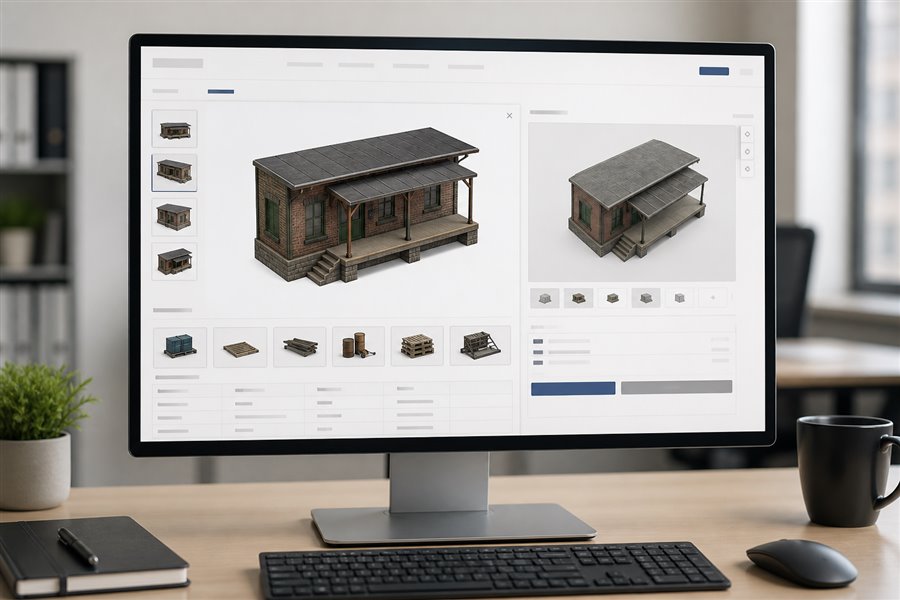
Product Page Preview · Item 536
Product page with embedded 3D presentation
Product page context Show clients where the 3D module appears in the page flow.
Lighter first view The live Product3D demo is focused in the comparison section below.

One product can be shown in three clear layers

Customers first confirm the product visually, then inspect structure and scale in Product3D. Assembly Instructions open in a separate large area only when needed.

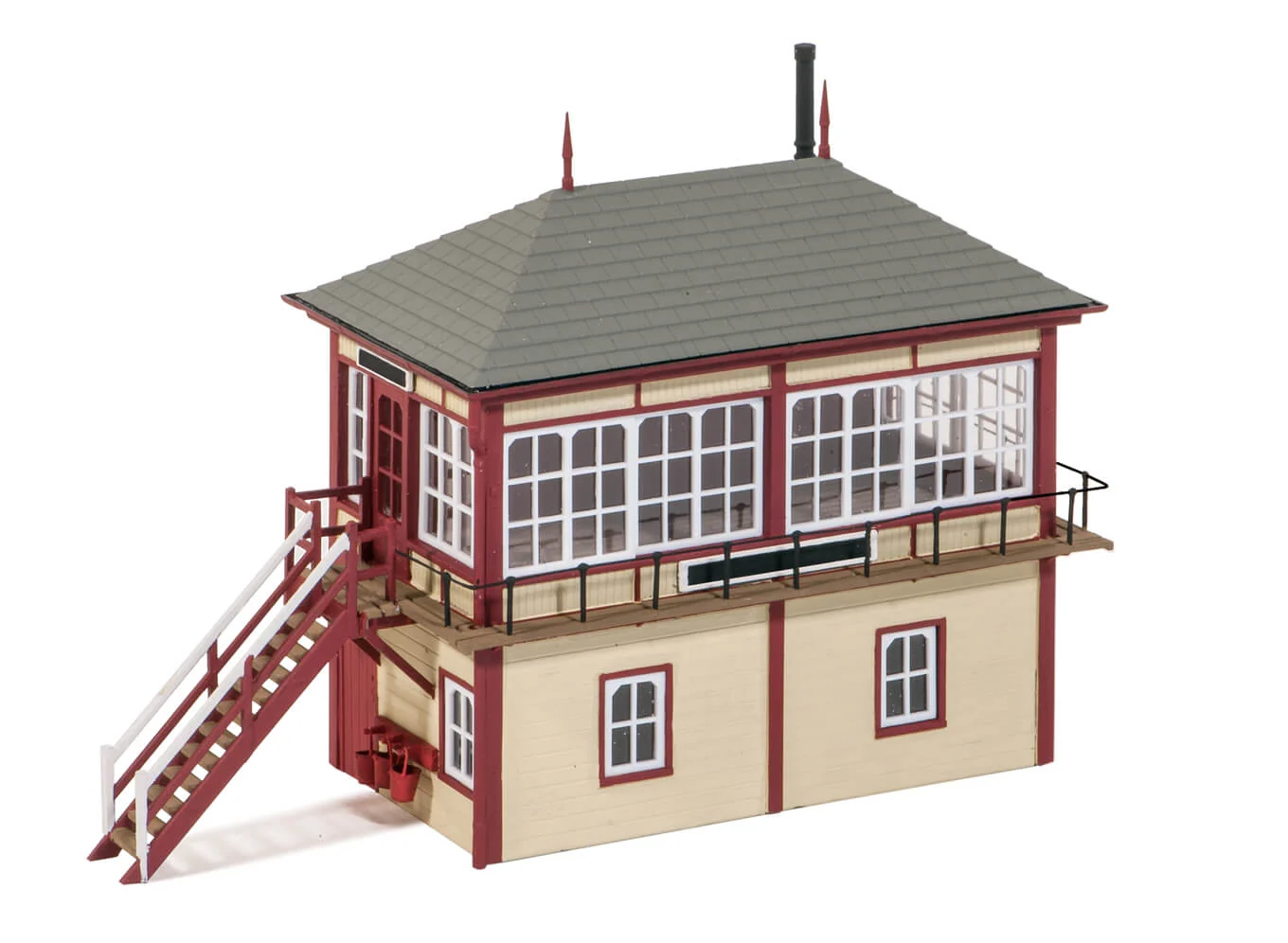
PECO 536 product image

Product image

Best for first recognition, catalog browsing, and a quick visual check before deeper inspection.

Product3D

The primary interactive layer for product detail pages, helping customers understand shape and structure before purchase.

Assembly Instructions

Loaded on demand in a standalone instruction area. The default height is 680px, and client pages can also set the area automatically through embed parameters or container sizing.

Give customers a clearer spatial understanding before they buy

Static images are useful for appearance. Interactive 3D helps explain structure, scale, and part relationships. VirtuKit can be placed on product cards, detail pages, instruction pages, and after-sales support pages.

3D

Interactive product models

Customers can rotate, zoom, and inspect product details, reducing confusion when a flat image is not enough.

AI

Assembly instruction module

The same embed framework can load guided assembly content, combining steps, parts, and camera views in the customer page.

API

Authorized display by item

Display is controlled by client code, API Key, product item number, and allowed origin. Unauthorized modules stay hidden by default.

From catalog-scale model reconstruction to private platform delivery

Beyond Product 3D and interactive assembly instructions, VirtuKit can reconstruct large product catalogs as presentation-grade 3D assets. These lightweight models are created for web display and product communication, without requiring a client to expose the production-grade digital assets used for engineering and manufacturing.

Client asset boundary
Production-grade assets CAD, tolerances, process data, and confidential internal structures remain under the client’s control. Stays with client · outside this workflow
Approved references Product images, appearance information, samples, and other non-sensitive inputs. Only approved input enters the workflow
Presentation reconstruction
+
AI assistedShape and appearance generation
Human QAProportion and material review
Web readyLightweight geometry and performance
Customer-facing result
Product 3D Fast, interactive viewing on product and campaign pages.
Assembly Instructions Reusable model content for guided setup and after-sales support.
Two delivery modesChoose speed or full ownership
Option A · Fast launchManaged VirtuKit service
The client supplies approved product information; VirtuKit creates and operates the presentation-grade digital assets and service for direct website use.
  • Client provides approved references, SKU data, and display requirements
  • VirtuKit creates and maintains the web models, model library, hosting, and access control
  • The client website directly calls Product 3D and Assembly Instructions
Client provides product information → VirtuKit operates the presentation assets → Client calls the service directly
Option B · Full controlPrivate platform delivery
VirtuKit customizes the complete technical platform to the client’s requirements, then delivers it for deployment and operation in the client’s own environment.
  • Customized delivery of Product 3D, Assembly Instructions, administration, authorization, and deployment tools
  • The client independently operates the platform after delivery
  • The client manages, publishes, and expands its presentation-grade digital assets
VirtuKit customizes and delivers the platform → Client operates the platform and manages its presentation assets
3D

Presentation-grade reconstruction at scale

Using client-approved images, appearance references, samples, or other non-sensitive material, we combine AI-assisted generation with human review to rebuild web-ready models across large SKU catalogs. Geometry, materials, naming, scale, and runtime performance are standardized for consistent online presentation.

IP

Keep production assets separated

The standard workflow does not require manufacturing CAD, precision tolerances, process data, or confidential internal structures. Presentation models are optimized for marketing and instructions—not manufacturing—helping clients add 3D at a more controlled cost while reducing exposure of core digital IP.

IT

Full private delivery is available

Clients can use VirtuKit as a managed service or receive a complete private deployment covering Product 3D, assembly instructions, model and product data, administration, authorization, and deployment documentation. The platform can run in the client’s own environment under its own operational control.

Clients only need one embed script

VirtuKit loads the right 3D viewer or assembly module based on the product item number. The item can be declared directly, read from page attributes, detected from meta tags, or parsed from the URL.

<script
  src="https://www.virtu-kit.cn/embed.js"
  data-client="virtu-kit-com"
  data-key="YOUR_API_KEY"
  data-item="536"
  data-modules="product,assembly"
  data-product-height="380px"
  data-assembly-height="680px">
</script>

A short path from pilot to production

The launch is split clearly: VirtuKit prepares models, authorization, module settings, and the embed snippet; the client confirms page placement, allowed domains, and adds the script to their product template.

01 Client confirms the test domain, product item number, and target page placement.
02 VirtuKit generates the API Key and authorizes domains, products, and modules.
03 Client adds the VirtuKit script to the product page template.
04 Both sides verify the page; VirtuKit expands SKU coverage while the client publishes production pages.

Built for product pages where details matter

This page can be used as the current DigitalOcean test homepage to show potential clients how VirtuKit could appear inside their own ecommerce experience.

3D product viewer inside a product detail page

Product detail enhancement

Add 3D after images, price, or specifications so customers can understand form and scale before purchase.
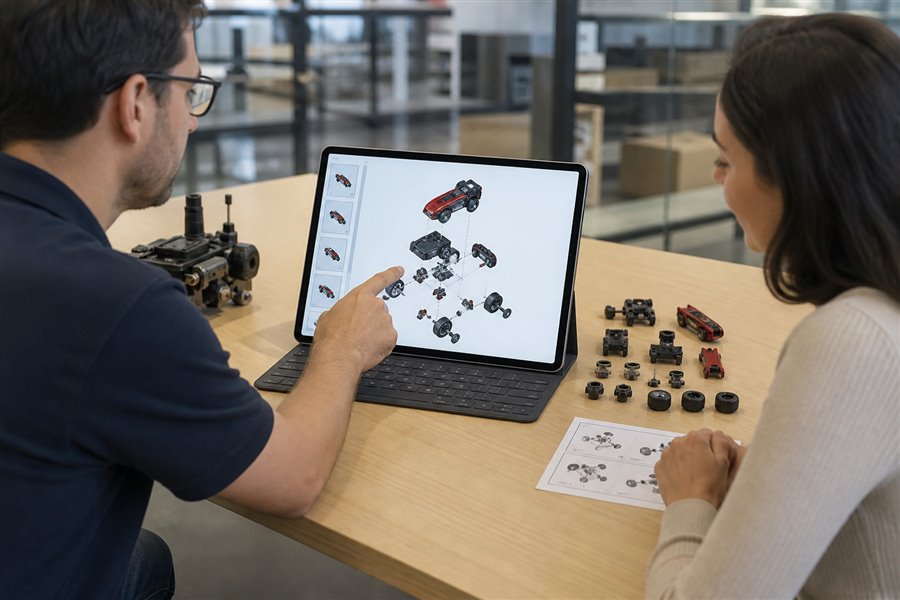
Assembly instructions and customer support scenario

Assembly and support

Upgrade PDFs or static images into guided interactive steps to reduce support questions and installation errors.
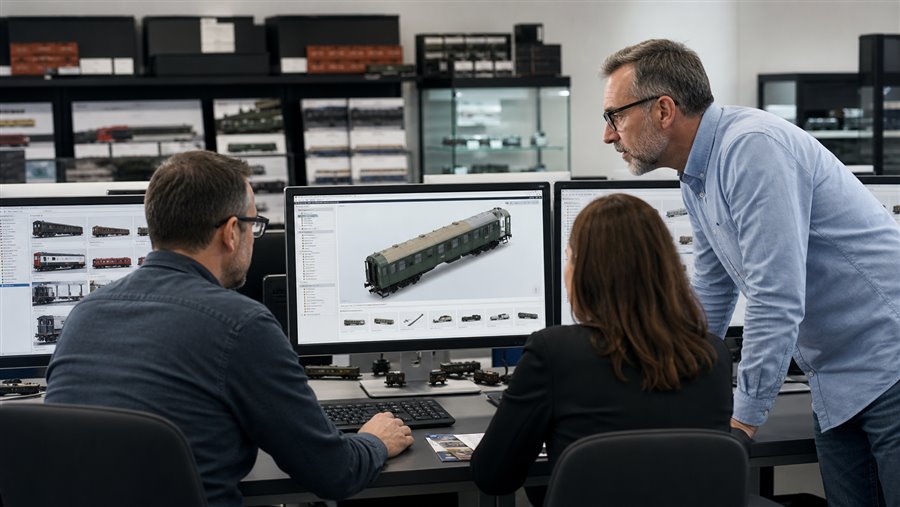
Distributor website using an embedded 3D model service

Distributor website embedding

The same model service can be authorized for different client domains with customer-specific keys and product access.
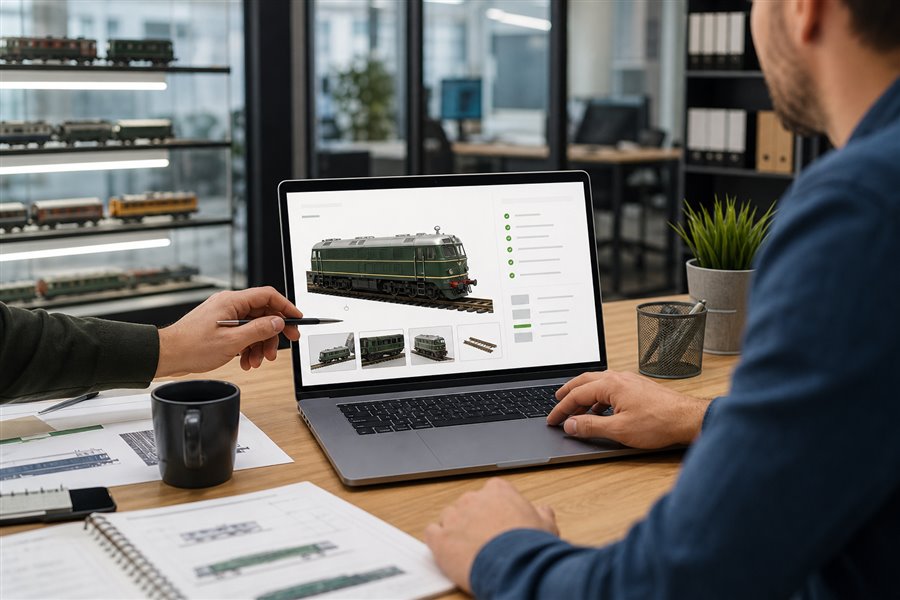
New product launch and pre-sales preview page

New product promotion

Launch a test page before full release so sales teams, partners, and customers can understand the product quickly.

Turn the pilot item into a repeatable client integration pattern

This page now includes the live Product3D embed and keeps assembly instructions on demand. The same script pattern can be reused for different client domains, product items, and enabled modules.

Review Embed Structure